
You are here:
LookyBOT
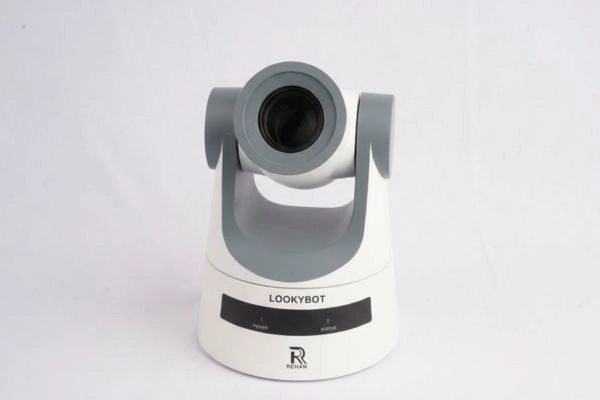
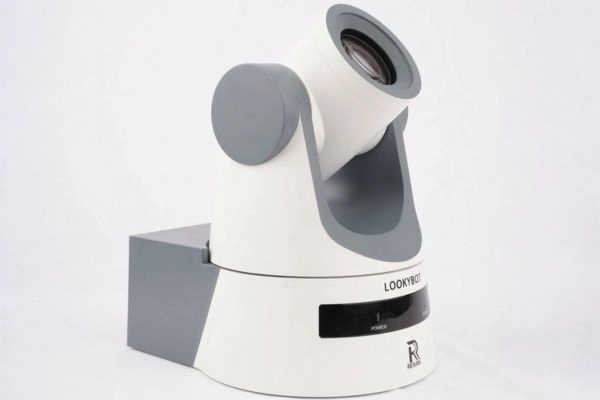
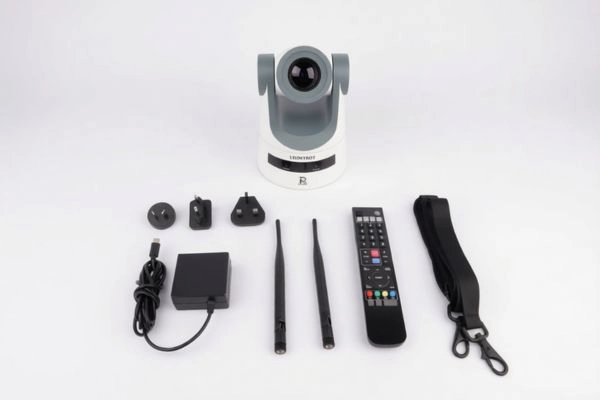
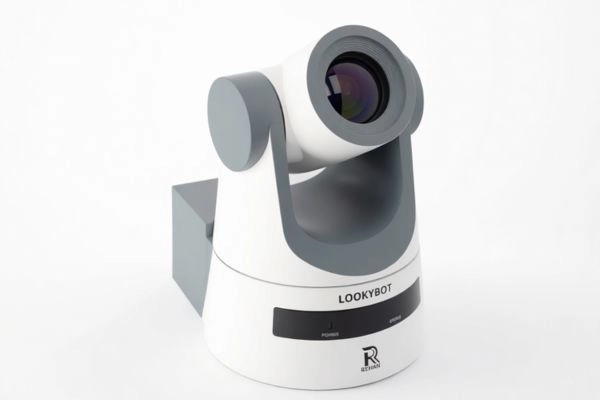
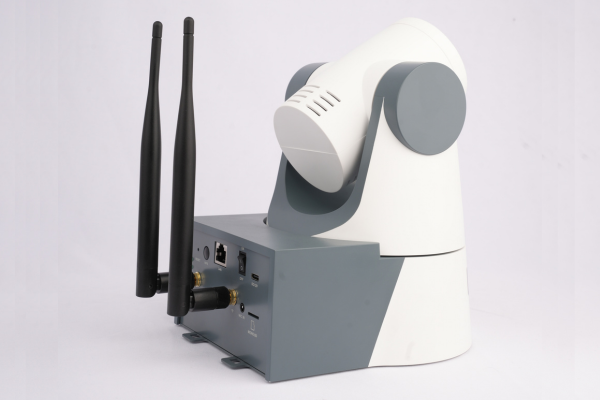
Smart Wi-Fi Camera
LookyBOT is a powerful, Wi-Fi enabled assistive camera designed specifically for students and individuals with low vision. With up to 20X optical zoom, high-contrast viewing modes, and built-in OCR read-aloud technology, LookyBOT transforms the way users access classroom content, printed materials, and presentations.
Controlled directly from a laptop or tablet through a web browser, LookyBOT allows independent operation. Up to three students can connect simultaneously, and teachers can guide viewing using the included remote control when needed.
Whether you’re viewing a blackboard, whiteboard, interactive whiteboard, reading textbooks, capturing notes, or listening to printed text aloud, LookyBOT provides clarity, flexibility, and independence in one smart device.
What is the LookyBOT?
The LookyBOT is a portable Wi-Fi camera system that streams live magnified video directly to your laptop, tablet, or computer through a web browser with no complex installation required.
It can be placed on a desk for close access or positioned discreetly away from the student and controlled remotely, as long as there is a clear line of sight to the board.
Designed for indoor environments such as schools, offices, and homes, it helps users:
- View classroom blackboards, whiteboards, and interactive whiteboards clearly from a distance
- Read printed documents with magnification
- Switch between high-contrast colour modes
- Capture images and record videos
- Convert printed text into speech using OCR
Its motorized camera movement, preset angles, browser-based controls, and remote control make operation smooth and effortless.
Product specifications
- 20X Optical Zoom
- Full HD Resolution (1920 × 1080)
- 16 High-Contrast Colour Modes
- High-Speed OCR Read-Aloud
- Wi-Fi Connectivity (802.11 a/b/g/n/ac/ax)
- Motorized Pan-Tilt-Zoom (PTZ) Control
- Control via Laptop/Tablet Browser
- Up to 3 Simultaneous Connections
- Battery Life: 4–5 Hours
- MicroSD Storage Support (Up to 128GB)
- Multi-Platform Compatibility
- Autofocus with Manual Focus Option
Key Benefits
- Enhances classroom accessibility
- Supports inclusive education
- Encourages independent learning
- Reduces eye strain
- Improves confidence for low vision users
- Flexible placement and discreet classroom integration
- Portable and easy to set up
Empower Vision. Enable Confidence.
LookyBOT is more than just a camera. It’s a smart accessibility solution that bridges the gap between vision challenges and everyday learning.
Experience clarity, flexibility, and independence with LookyBOT.
Frequently asked questions
Up to three students can connect simultaneously from separate devices, making it ideal for shared classroom support which is controlled by the Teacher/Tutor via remote control.
No. It is fully portable and can be quickly set up on any desk or table without mounting or technical installation.
Yes. Each user can adjust contrast modes, zoom levels, and viewing settings on their own device for personalized accessibility.
No. It operates quietly and can be positioned discreetly, ensuring minimal classroom disruption while supporting the student effectively.
Yes. Users can customize speech speed, voice type, and highlighting settings for a more comfortable and personalized reading experience.
- How many students can use LookyBOT at once?
-
Up to three students can connect simultaneously from separate devices, making it ideal for shared classroom support which is controlled by the Teacher/Tutor via remote control.
- Does LookyBOT need to be installed permanently in a classroom?
-
No. It is fully portable and can be quickly set up on any desk or table without mounting or technical installation.
- Can LookyBOT support students with different visual preferences?
-
Yes. Each user can adjust contrast modes, zoom levels, and viewing settings on their own device for personalized accessibility.
- Will LookyBOT distract other students in class?
-
No. It operates quietly and can be positioned discreetly, ensuring minimal classroom disruption while supporting the student effectively.
- Can the OCR voice and reading speed be adjusted?
-
Yes. Users can customize speech speed, voice type, and highlighting settings for a more comfortable and personalized reading experience.